


How to Paint Your Buildings - Home Sweet Home Update

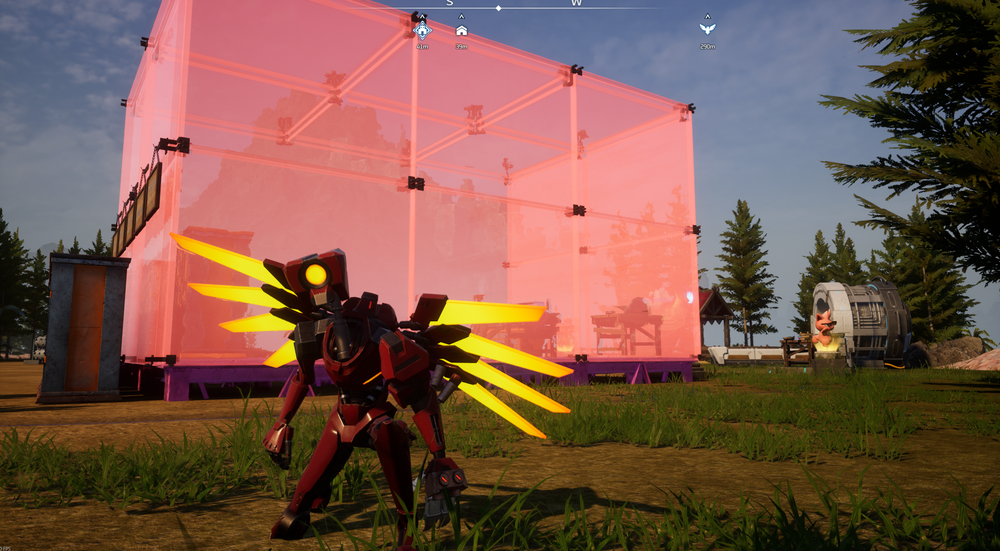
Building a base is not just about placing walls and roofs anymore. The Home Sweet Home update added Paint Mode, which lets you change the color of your structures after they are built. This makes it easier to organize your base visually, highlight important areas, or maybe you want your base to match your outfit. No? Just us?
Opening Paint Mode
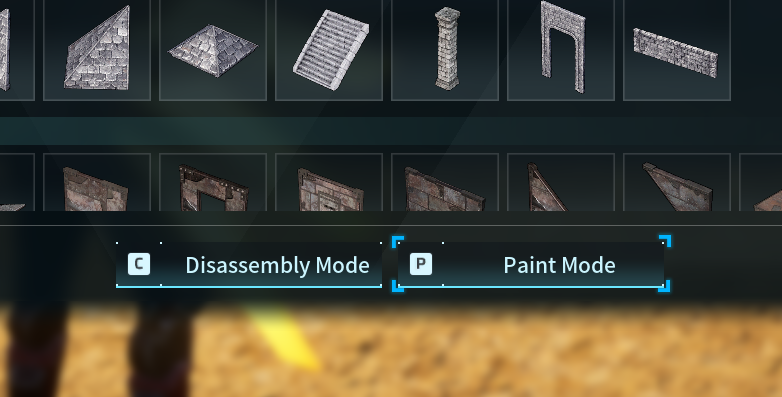
To begin, open the build menu by pressing B on your keyboard. From there, select Paint Mode at the bottom of the screen or press P to open it directly. This opens the paint menu and allows you to start applying color to nearby structures like foundations, walls, and ceiling tiles.
Painting and Color Options
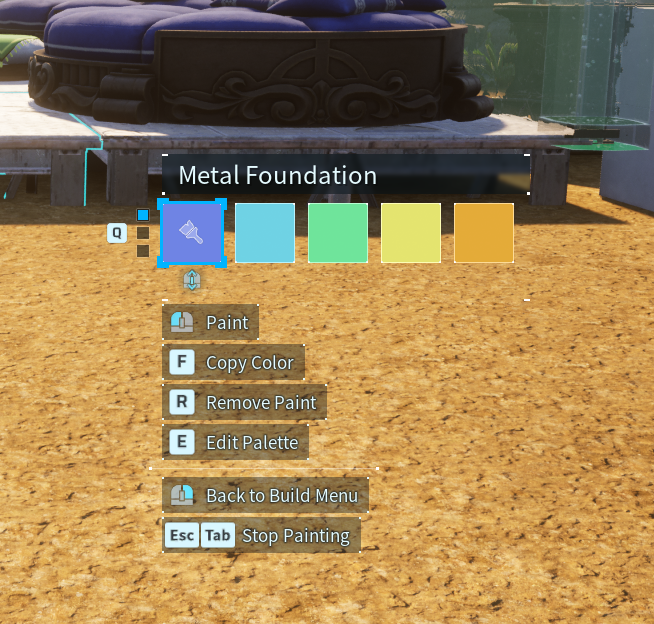
Once Paint Mode is active, press Q to select a color, then left click on the object you are currently focused on to apply it. The color is applied immediately, so you can see the change as you work. If you want to remove paint from an object, press R to clear the color.
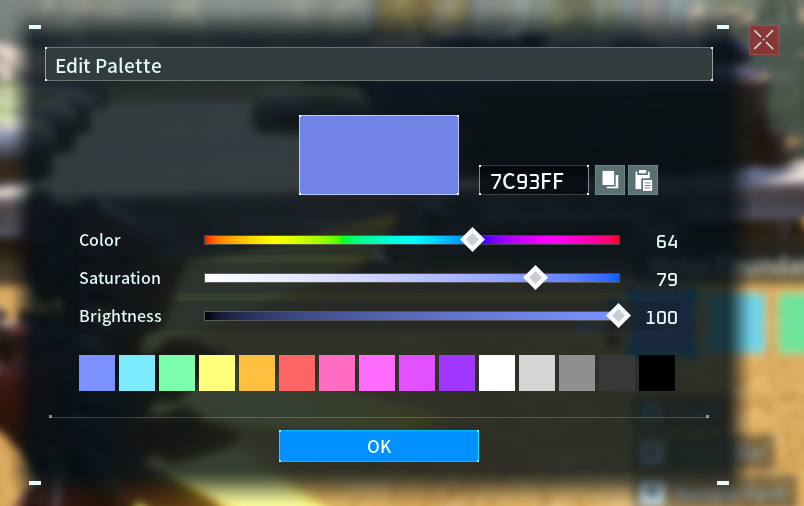
Pressing E opens the color customization menu. This allows you to adjust the color instead of using one of the preset options!
Exiting Paint Mode
When you are finished painting, right click to return to the main build menu. Press Esc to close the menu entirely. That'll come in handy when enemies show up.
Need Help?
If you have questions or run into any issues, our support team is here to help! Reach out using the support widget on our website or visit our support center for further assistance.