


How to Customize Your Hytale Avatar

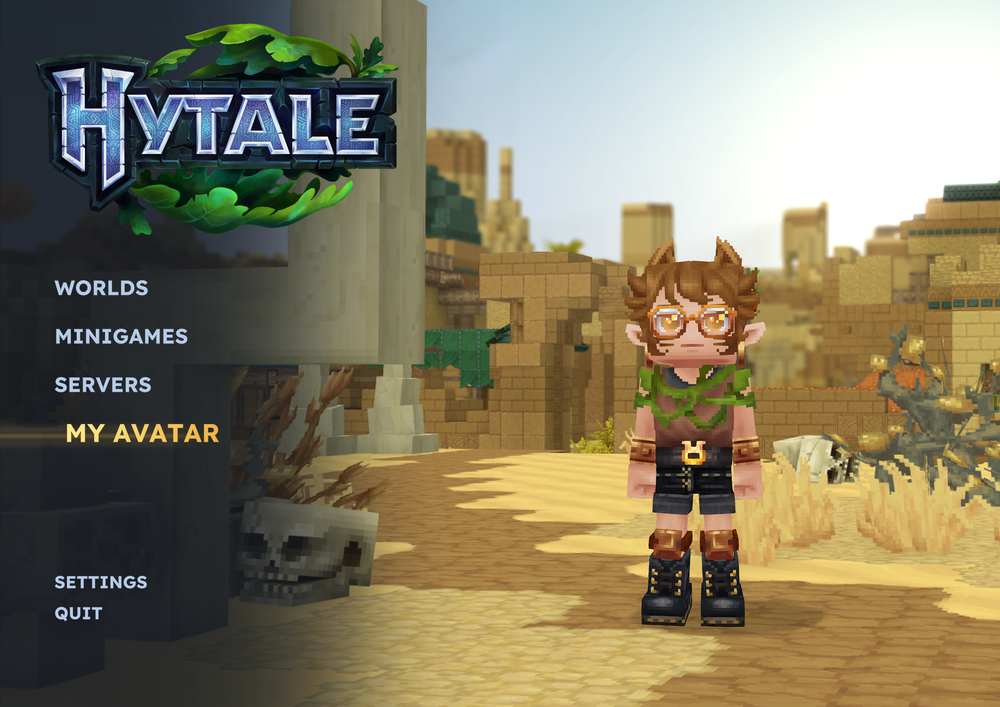 If you want to fall into a pixel art character creator for an hour, Hytale has you covered, even in early access. There's tons of options for body and hairstyle, and when it comes to clothes, the many slots are really nicely layered and work well together.
On top of that, you have no need to worry about getting it perfect the first time. You can return to change your avatar from the main menu.
What kind of hair and face customization is in Hytale?
You get all the usuals in character customization for your character's noggin, plus a few extras. Editable slots include:
Hair style and color
Eyebrow style and color
Eye style and color
Facial hair style and color
Head accessories (like hats)
Face accessories (like glasses)
Ear accessories (earrings)
What kind of body customization is there in Hytale?
Body customization is also robust, with a variety of details included. Editable options include:
Underwear type and color
Body characteristics (level of muscle, skintone)
Face (eye shape, makeup, etc)
Mouth (size, makeup)
Ears (human, elf, ogre)
Can you change your gender in Hytale?
Since gender presentation is determined by selecting body features rather than selecting gender itself, there's no need! You can change your presentation anytime you want just by editing your avatar.
What are the clothes options like in Hytale?
So many. We're starting with a smorgasbord right out of the gate, and the layering works great with little clipping. Clothing slots include:
Undertop (shirts and undershirts)
Overtop (jackets, overshirts, and items like scarves and chest belts)
Gloves (gloves and bracelets)
Pants (trousers, shorts, skirts)
Overpants (socks, kneepads)
Shoes (shoes, ankle accessories)
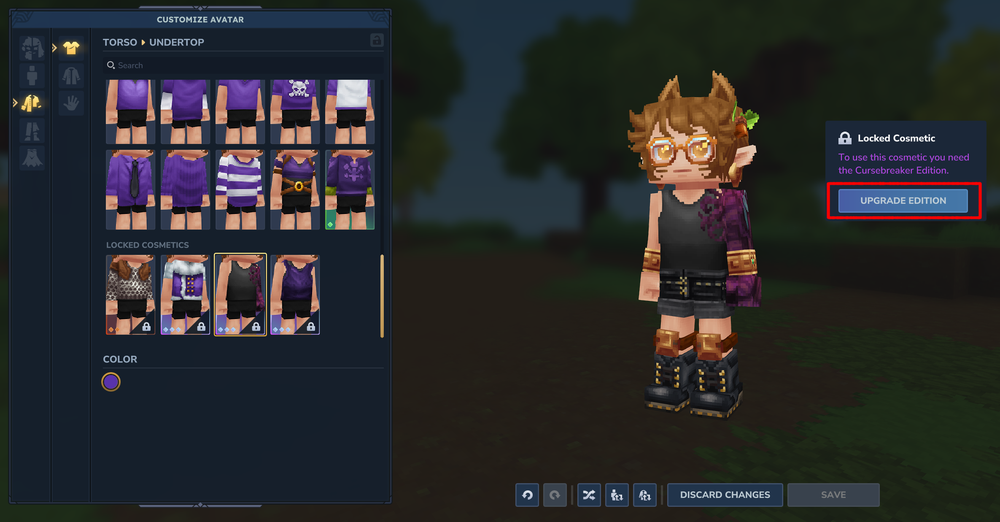
Hytale's Locked Cosmetics
So what's with the locked items? Hytale's early access comes in three tiers:
Standard
Supporter
Cursebreaker
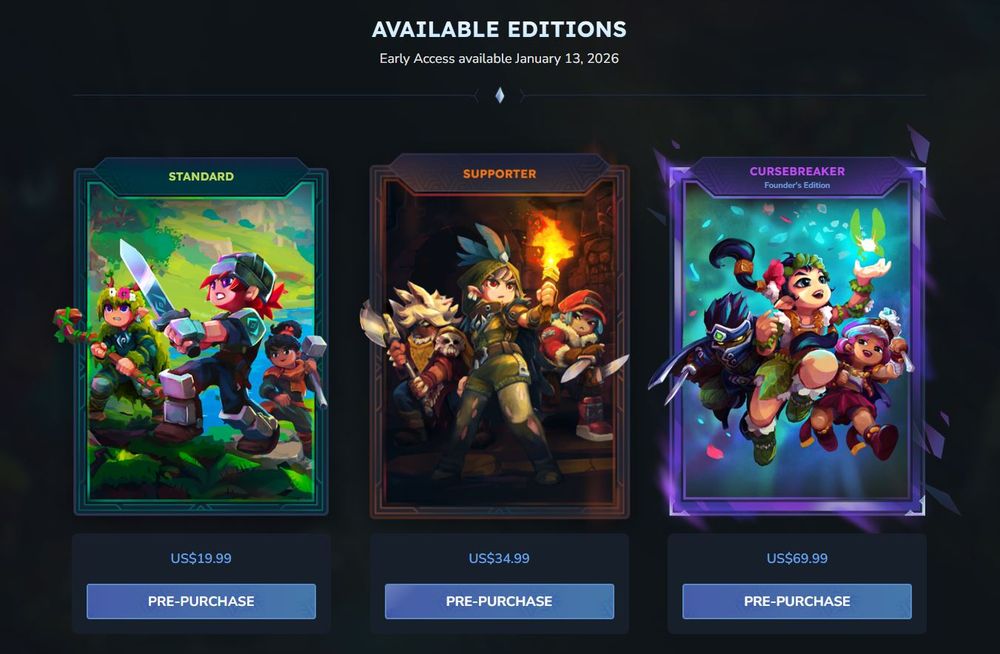 Everyone playing during Early Access will get a few items unlocked. If you want to upgrade after purchase, you can do so by selecting "Shop" in the My Avatar section, or just by selecting the item you want and hitting "Upgrade" to start checkout for the necessary tier.
Does Hytale allow you to upload skins like Minecraft?
With its detailed character creation system in-game, there's currently no way to upload an entirely custom skin in the same way you can on Minecraft.
Need Help?
If you have questions or run into any issues, our support team is here to help! Reach out using the support widget on our website or visit our support center for further assistance.