


How to Join a HumanitZ Server

Surviving alone in HumanitZ rarely lasts long. Joining a multiplayer server lets you team up with other survivors, build safer bases, and take on the dangers of the world together.
Follow the steps below to join a HumanitZ server!
Launch HumanitZ.
From the main menu, click Play.
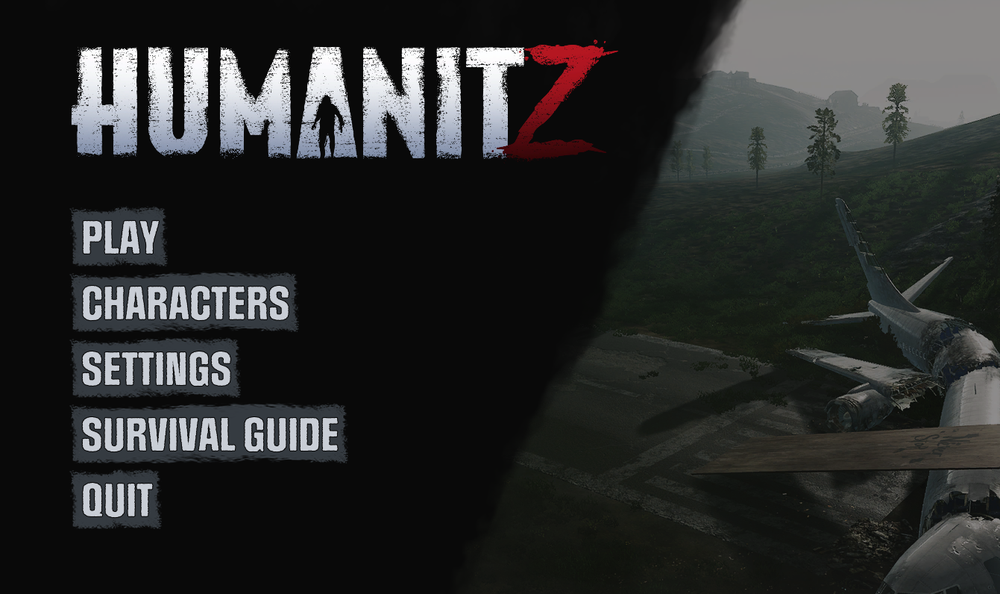
Click Multiplayer.
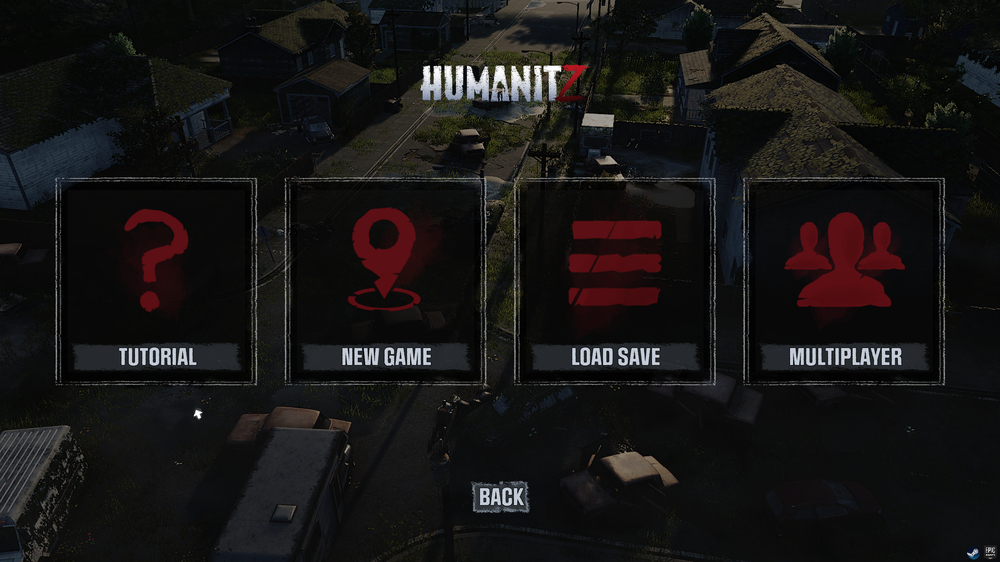
If you do not already have a preset character, select your character’s Profession.
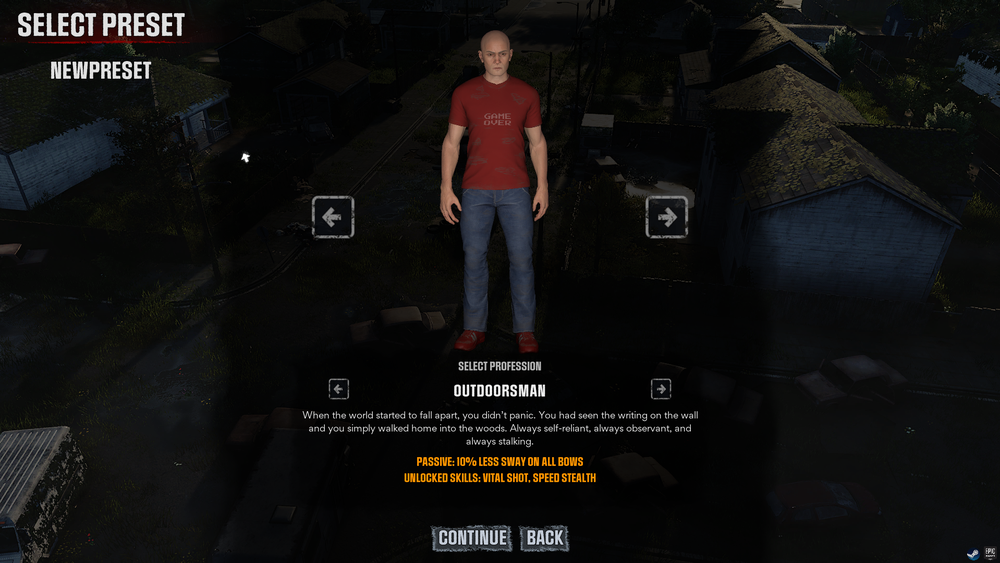
Next, select your character’s Affliction.
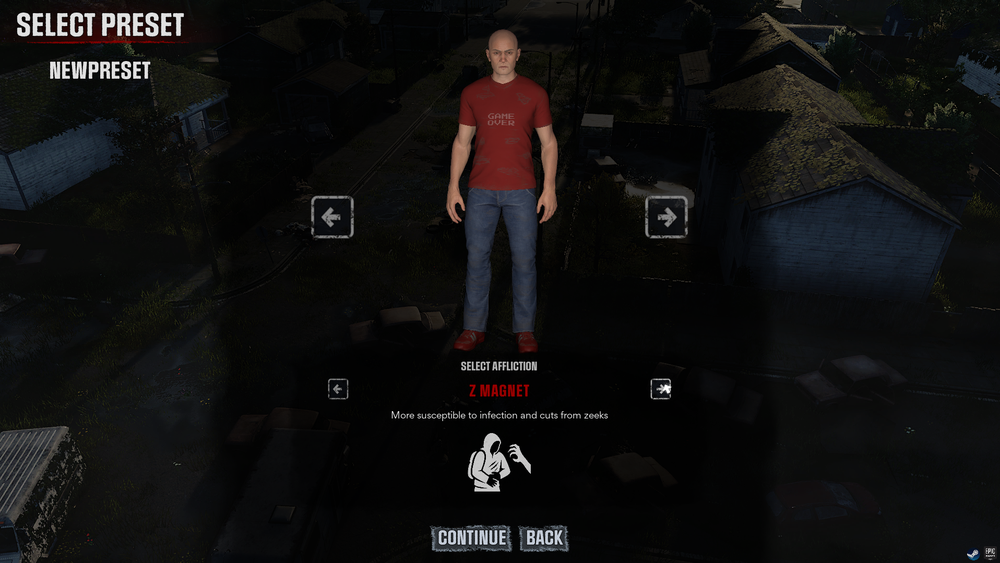
Click Find Server.

Locate the server you want to join from the server list or enter the server’s IP address and port in the bottom right corner.

After entering the IP address and port, click IP Connect.
Conclusion
After joining the server, you are free to explore, build, and survive alongside other players in the world of HumanitZ. Every server offers a different experience depending on its settings and community, so finding the right one can completely change how the game feels. Once you are connected, all that is left to do is gather supplies, watch your surroundings, and see how long you can last in a world where survival is never guaranteed. From all of us here at Nodecraft... good luck! 🧟♂️
Need Help?
If you have questions or run into any issues, our support team is here to help! Reach out using the support widget on our website or visit our support center for further assistance.