


How to Create and Use Copper Golems

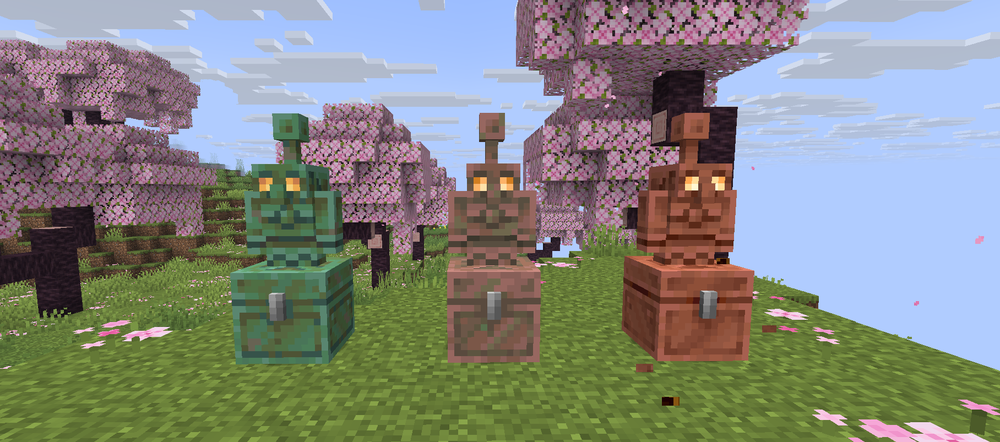
The Copper Golem is finally a real part of Minecraft thanks to The Copper Age update, and it’s honestly one of the most fun utility mobs we’ve seen in a while. They’re easy to make, come with their own built-in storage, and can even be used for item sorting if you set things up right. All you need is a copper block and a carved pumpkin. In this guide, we’ll cover exactly how to create one, what makes them unique, and how to actually put them to use around your base.
What You Need
Before you can bring your Copper Golem to life, you’ll need a couple of basic materials and about ten seconds of effort. Here’s what you’ll need to get started:
1 Copper Block (any copper block works, waxed or unwaxed!)
1 Carved Pumpkin
Once you've got those ready, place your copper block on the ground and place the carved pumpkin on top.
As soon as the pumpkin is placed, the Copper Golem will spawn along with a matching copper chest!
Now you’ve got yourself a shiny new helper and some extra storage to go with it.
What Copper Golems Do
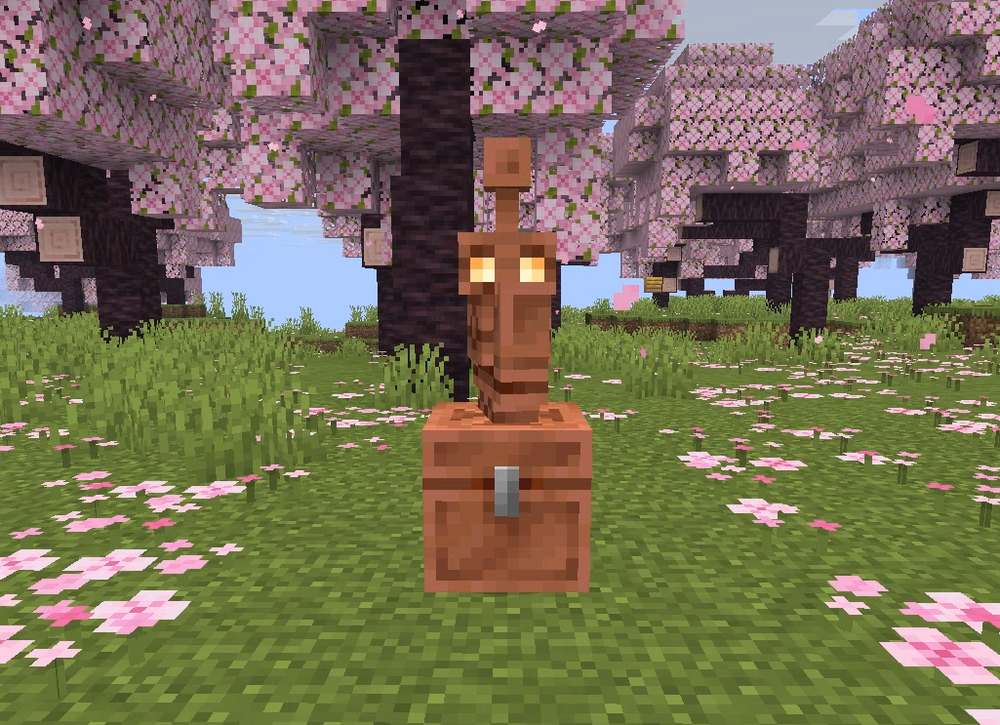
Copper Golems are actually super useful once you get them going. After you drop items into the copper chest they’re linked to, the golem will pull those items out and start sorting them into nearby wooden chests. You don’t need to set up anything fancy!
If you’ve already organized certain chests to hold specific items, it’ll follow that pattern and keep things tidy. It’s a simple way to clean up after mining trips or farms. You can even have more than one golem working if you want to speed things up or sort different stuff in different areas.

Conclusion
Copper Golems might look small, but they’re a great addition if you’re tired of digging through cluttered chests. They’re easy to set up, fun to watch, and honestly just make organizing feel a little more satisfying. These little guys actually pull their weight, and once you’ve got one working in your base, it’s hard to go back!
Need Help?
If you have questions or run into any issues, our support team is here to help! Reach out using the support widget on our website or visit our support center for further assistance.