


Adding Automated Messages to Your Hytale Server

In this guide we are going to cover setting up automations on your Hytale server to send messages on a set interval. This can be useful if you want to share server news or general reminders. You can also have more than one if you’d like.
Adding a message
Open your Dashboard
Locate your Hytale server and click on the Panel button.
Click on Automated Tasks.
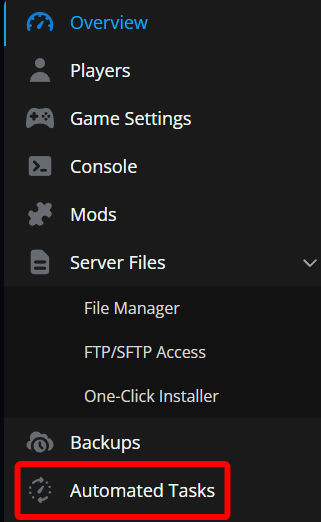
Once on the Automated Tasks page click on Create New Task.

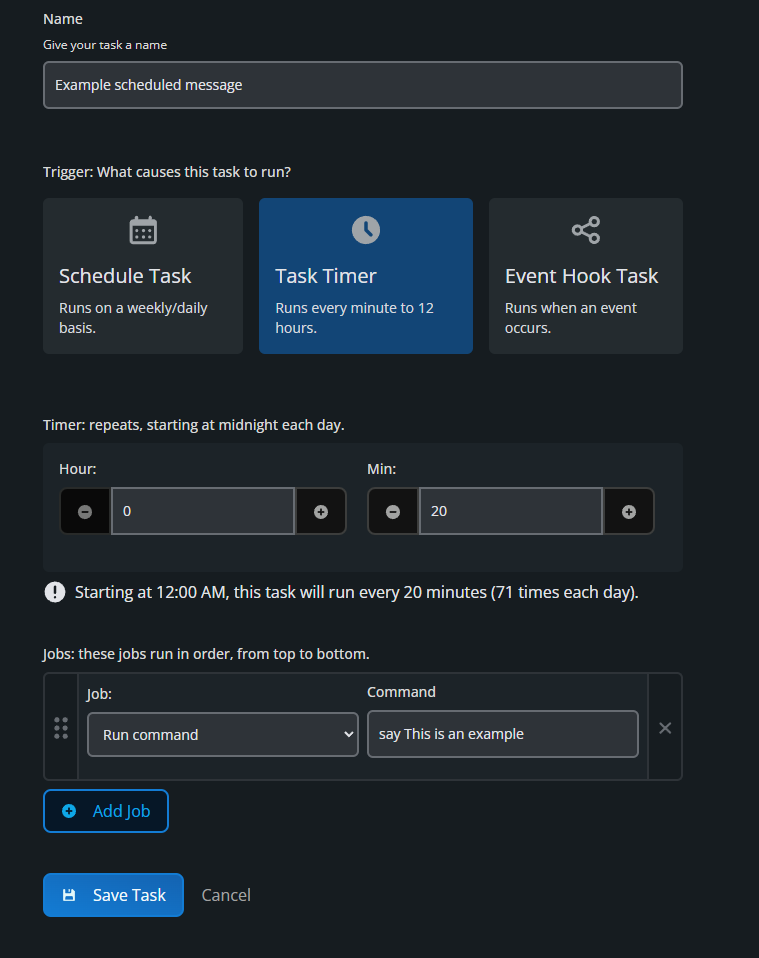
Now you need to Give your task any name, pick Task Timer, set the desired interval and assign a job which in this case would be Run command. The command will be: say <Message that you want displayed>. It should look like this once done.
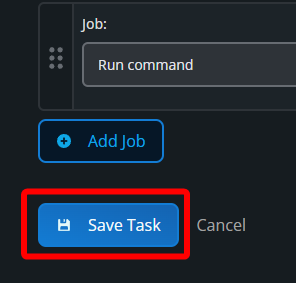
Once done, click Save Task.
Conclusion
Automated messages are a simple way to keep your Hytale server feeling alive, even when no staff are online. From friendly reminders to important announcements, a few well-timed messages can go a long way toward keeping players informed and engaged. Once you’ve set one up, you can tweak the timing, add more messages, or swap them out as your server evolves. Set it once, let it run, and focus on building the kind of world players want to stick around in.
Need Help?
If you have questions or run into any issues, our support team is here to help! Reach out using the support widget on our website or visit our support center for further assistance.