

How to Change Your Hytale Username

In this guide we are going to cover how you can change your Hytale username. Your username can only be changed once every 30 days however you can always change the capitalization of your current username at any time without any limits.
How to edit your username
Login into your Hytale Account
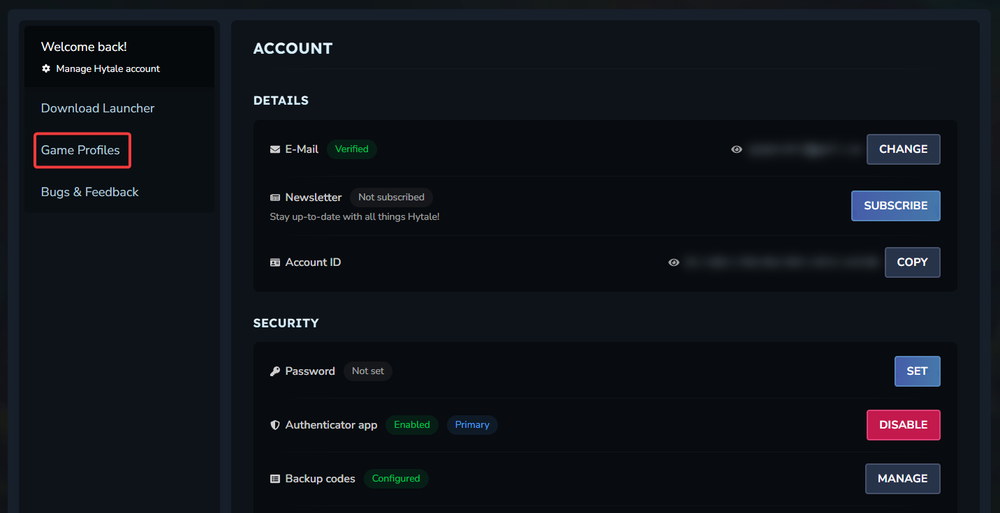
Once you are on your main account info page, click on Game Profiles.
Once on your game profile page you will see your profile with the options to Change username and/or Change capitalization. For this guide, we will be updating our capitalization option.
Click on the change option you want to proceed with.
On the pop-up window, enter in the updated username that you'd like to use.
Click the Update button.

That's it! Your username should now be updated. It is recommended to always restart your current game session after a change like this has been made but your new identity is ready.
Need Help?
If you have questions or run into any issues, our support team is here to help! Reach out using the support widget on our website or visit our support center for further assistance.