


Disable Building/Crafting Costs on a Valheim Server

In this guide we will go over how you can disable building/crafting costs on your Valheim server. This can be a nice way to either play around with crafting or building without using resources. This can also be considered a way to have a creative mode for your Valheim server.
Disabling Costs
Open your Dashboard
Locate your Valheim server and click on the Panel button.
Once on your panel, stop your server and then click on Game Settings.
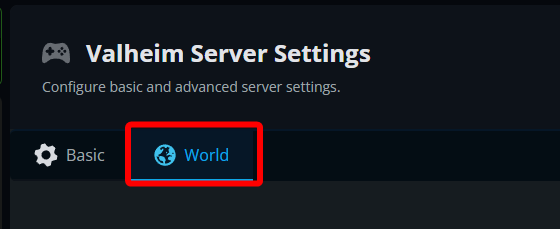
Once on your game setting page, make sure you are on the World tab.
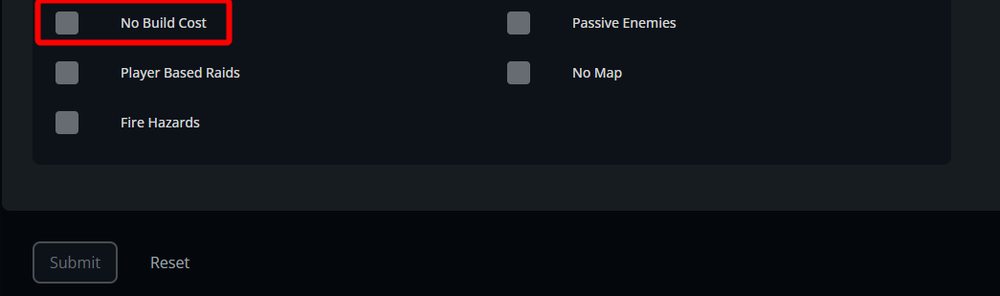
Scroll down till you see the option for No Build costs and enable it.
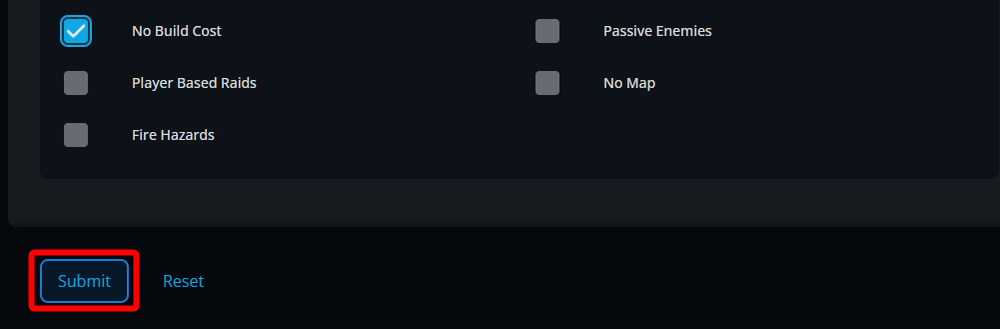
Once enabled, click on Submit.
Start your server.
Conclusion
You have now removed build costs on your server. This will give you a more creative mode feel so you can either play around items or just build without any restrictions.
Need Help?
If you have questions or run into any issues, our support team is here to help! Reach out using the support widget on our website or visit our support center for further assistance.