

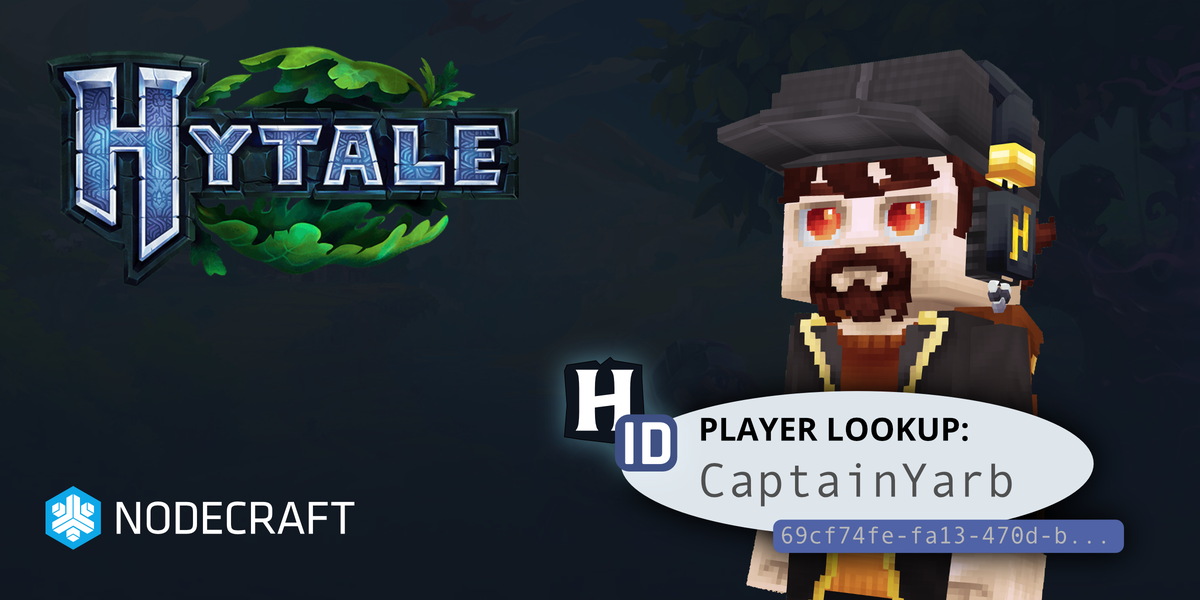
Nodecraft has had a long history of making player lookups easy with projects like MCUUID & SteamID through the backbone project PlayerDB. We handle over 1 billion API requests from these services each month.
We're excited to announce a new project: HytaleID.com, which allows you to quickly look up players for your Hytale server. Look up Hytale players by UUID and username alike.
This means adding players to your permissions, whitelist (allowlist), bans, and other operations just got easier for UGC authors, server owners, and players playing Hytale.
How To Lookup Hytale Player UUID
Now it's easy to lookup a player. Simply follow these steps:
Go to HytaleID.com
Type in the Player Username or UUID into the textbox.
Done! You can quickly copy/paste the results.
API for Hytale Player IDs
Mod developers and UGC authors can use the programmatic API available at PlayerDB to look up Hytale Player UUIDs, avatar (when available), and Username. It's an open API for public use.
You can also make HTTPS requests with the API:
curl -s https://playerdb.co/api/player/hytale/cherryjimbo | jqReplace $ID with the UUID or Username of the player, which will return a payload like this:
{
	"code": "player.found",
	"message": "Successfully found player by given ID.",
	"data": {
		"player": {
			"username": "cherryjimbo",
			"id": "e270fb8d-fdf9-4edc-9f82-ad2dca9a4ba2",
			"avatar": "https://crafthead.net/hytale/avatar/e270fb8dfdf94edc9f82ad2dca9a4ba2",
			...
		}
	},
	"success": true
}
More Hytale Tools & Updates are coming!
The team at Nodecraft has been working on adding tons of updates to the high performance Hytale Server Hosting we offer. We will be adding these API lookups to the Hytale Server permissions management and the whitelist/bans UI in the control panel very soon.
We will also be adding Avatar Support to Crafthead soon, so you can see your player skin for each player very soon!
