

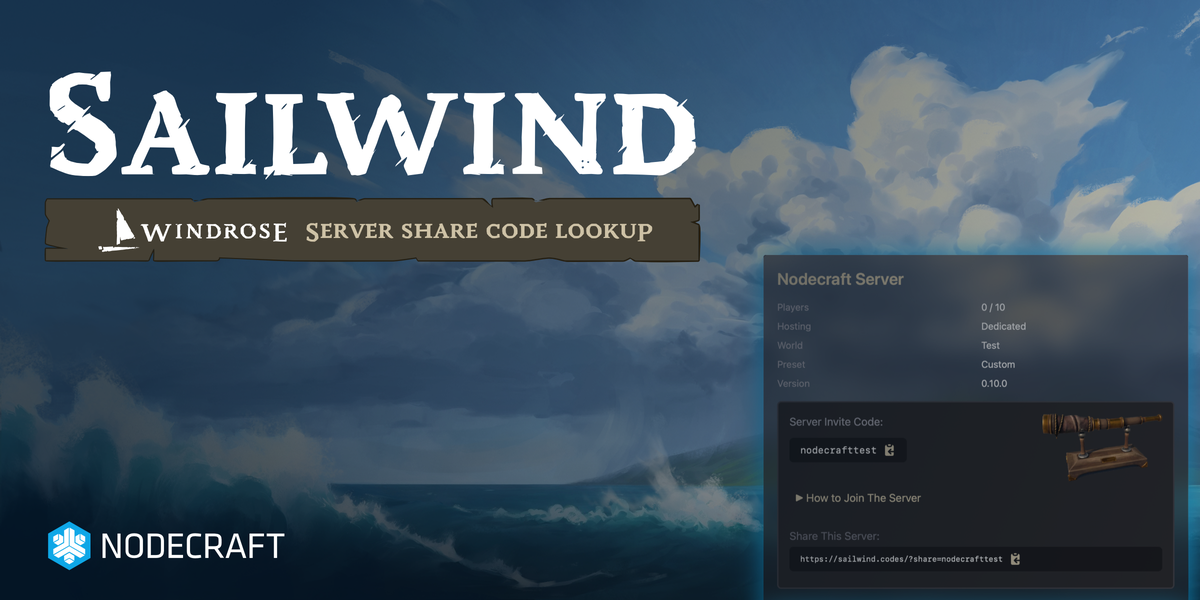
It's just 3 days after the launch of the highly anticipated community multiplayer title Windrose, and it's a smashing success! Over 500,000 players and a projected 10,000 game servers will go live as Captains take to the seas. With the game's first weekend coming up, we anticipate the playerbase to surge even higher as players explore the islands of Tortuga in this early access title.
Launching Sailwind for Windrose Players
Nodecraft has partnered up with the publisher to provide co-marketing, game server hosting, & now we're excited to announce project Sailwind. Based on early feedback by players, we found that creating a game server for Windrose was important to many players, but the server Invite Code system had a few drawbacks. Sailwind makes it easy for players to share their server code & even debug why their server code isn't working! Try it out today at https://sailwind.codes/!
What is a Windrose Server Invite Code?
When you go to join a Windrose game server, you need the Invite Code to find and join the server. This works similarly to friend codes and other similar mechanisms games use for cross-platform social features.
What problems Sailwind solves for Windrose Captains
Share codes are a great solution to helping players quickly find a server without being bound to a network connection string, server browser, or other limiting factors. Because Windrose doesn't offer a Server Browser, sharing and discovering servers is a little harder for many players.
Problem 1: Player-Defined Codes
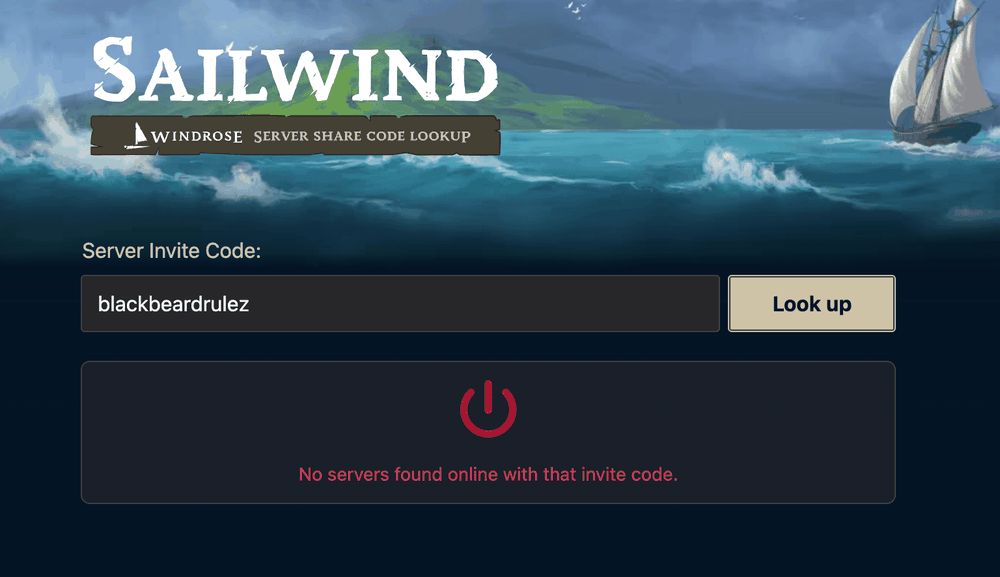
Windrose allows captains to set their own share-code, which lets players brand their server or otherwise make it easier for friends to join. The only downside is that players may end up having the same code name, making it difficult to always find your server. For example, if multiple players want to use code blackbeardrulez , then you might not always find your server.
Problem 2: Testing your Code in-game isn't easy
Just when you think you've created a code no one else is using & your code is long enough, it's difficult to know if your server is online, working, and your friends can join.
Problem 3: Sharing with friends
Sending a share code doesn't always tell players how they can join the server. There are a lot of in-game features players have to learn to start using an invite system like this.
Sailwind Solves the Invite Code Problems for Windrose
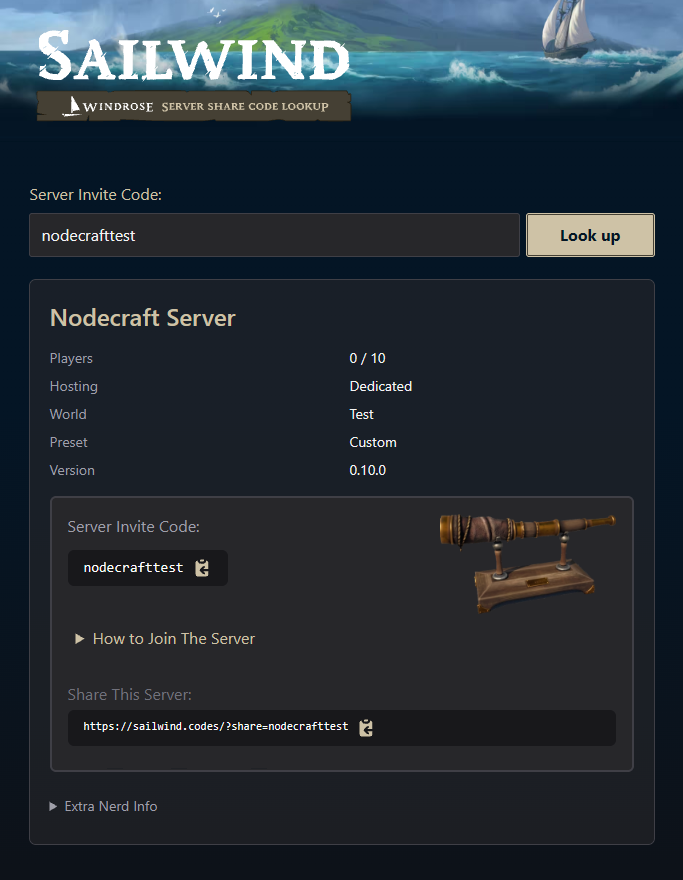
With Sailwind, you can quickly test your invite code to see if it's available or used by another server, you can quickly understand if you've created a valid code, and most importantly, you can share the link with friends. It even shows them how to join the server!
This is a part of Nodecraft's commitment to helping game studios not only with game server capacity and revenue at launch, but also solving meaningful problems that players run into. We have a long history of launching tools for games like Palworld, Hytale, Minecraft, and dozens of other games with Steam. You can check those projects out below:
AdminPal: Web-based RCON server manager for Palworld
HytaleID: Player lookup for Hytale
MCUUID: Player lookup for Minecraft
SteamID: Player lookup for Steam
Crafthead: Player Avatar API for games Hytale & Minecraft, for UGC developers
PlayerDB: Player lookup API for UGC developers
