


How to Change a Windrose Server Invite Code

Need to change the invite code for your Windrose server? In this guide, we’ll walk through where to find the setting in the Nodecraft panel and how to update it so players can use your new code to find and join your server.
Editing the Invite code
Note: Be sure to fully stop your server before making any configuration or setting changes!
Open your Dashboard.
Locate your Windrose server and click on the Panel button.
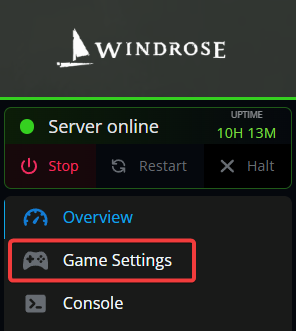
From the sidebar, click on Game Settings.
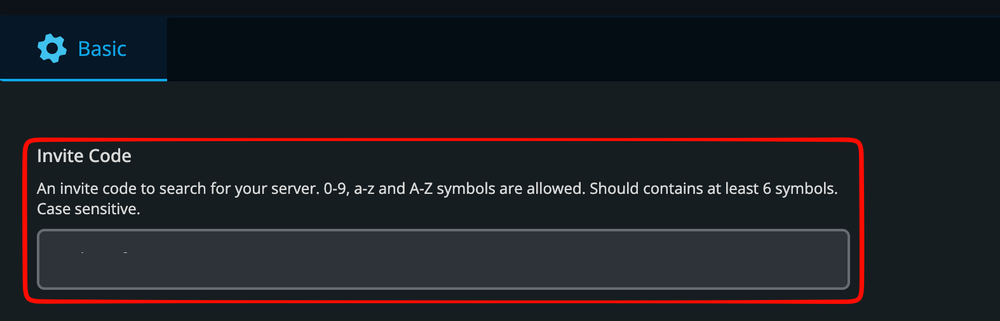
Once on the game settings page, locate the Invite Code section. Invite codes are case sensitive and allow 0-9, a-z, A-Z, and symbols. Your code should contain at least 6 characters.
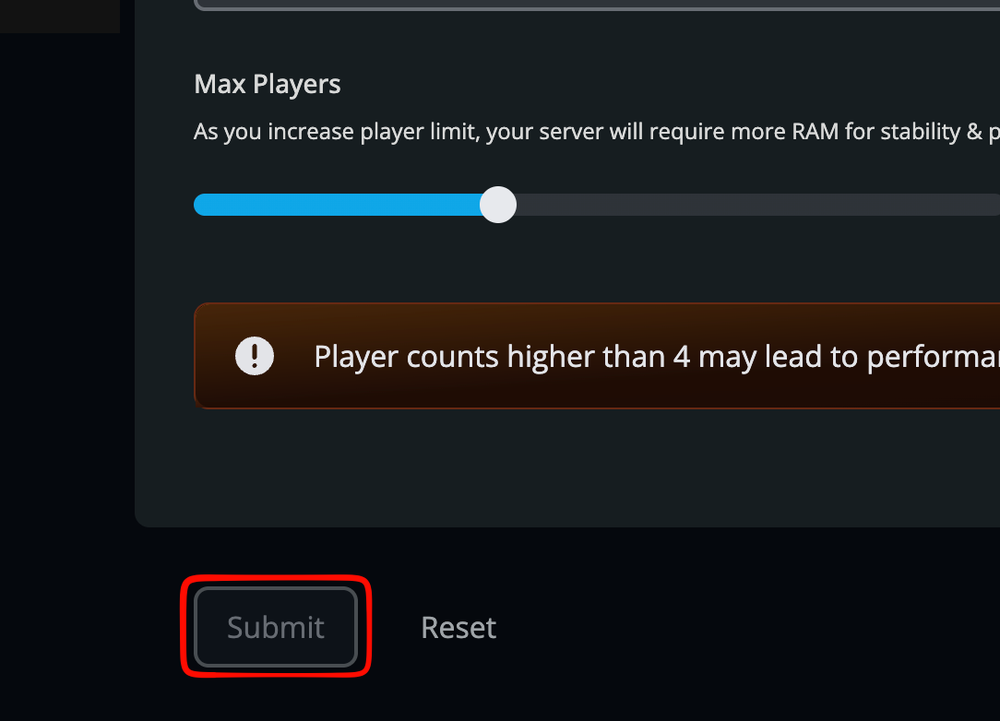
Once set, click on Submit at the bottom of the page.
Start your server.
Conclusion
Your Windrose server now has a new invite code ready to use. Just be sure to share the updated code with anyone joining your server, since the old one will no longer work once the change has been applied!
Need Help?
If you have questions or run into any issues, our support team is here to help! Reach out using the support widget on our website or visit our support center for further assistance.