


How to Ban Players on a Space Engineers Server
In this guide we are going to cover how you can ban a player on your Space Engineers server. Banning a player is a core moderation tool to remove continually problematic players from your server.
Banning a player
Join your Space Engineers server as an admin.
Press F3 to open the Player menu.
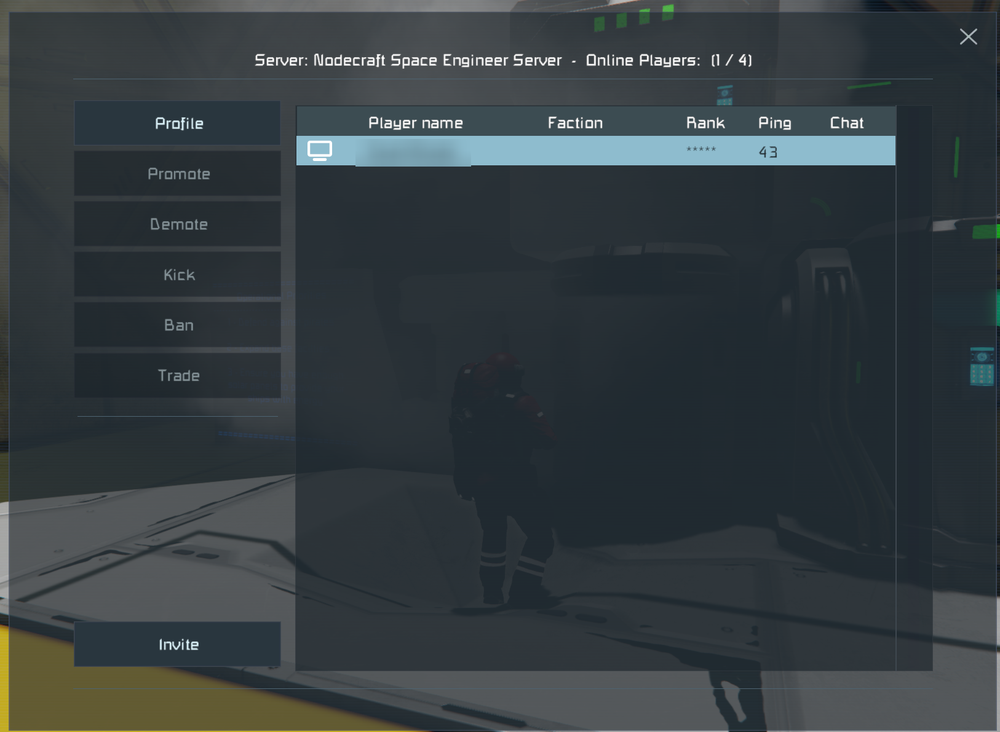
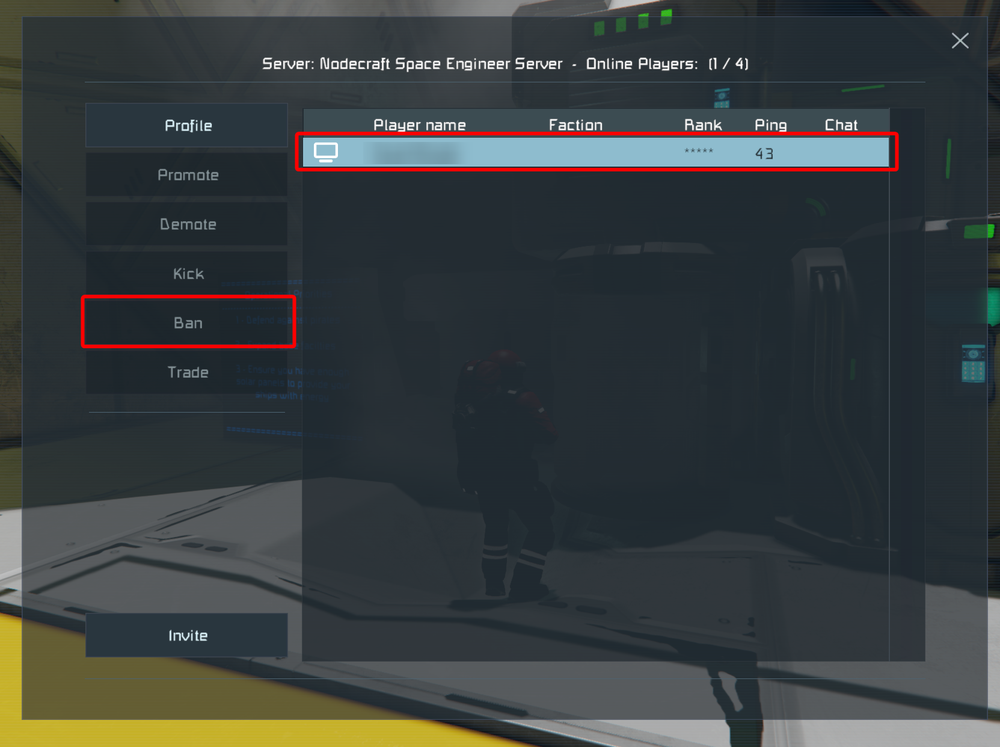
Once on the player page, select the player that you want to ban, and click the Ban button and the player will be immediately banned and no longer able to join the server.
Conclusion
You have now banned a player on your Space Engineers server. Once a player is banned, they will be kicked from the server and be unable to rejoin till the ban is removed.
Need Help?
If you have questions or run into any issues, our support team is here to help! Reach out using the support widget on our website or visit our support center for further assistance.