


How to join an SCP: Secret Laboratory server

In this guide we are going to cover how you locate your server information so you can join your SCP Secret Laboratory server.
Joining Your Server
Open your dashboard
Locate your SCP server and click on the panel button.
Once on your panel, locate the Server Information section which has the Server IP and port.

Once you have your IP:Port, open your game.
Once your game loads, click on the Servers tab.

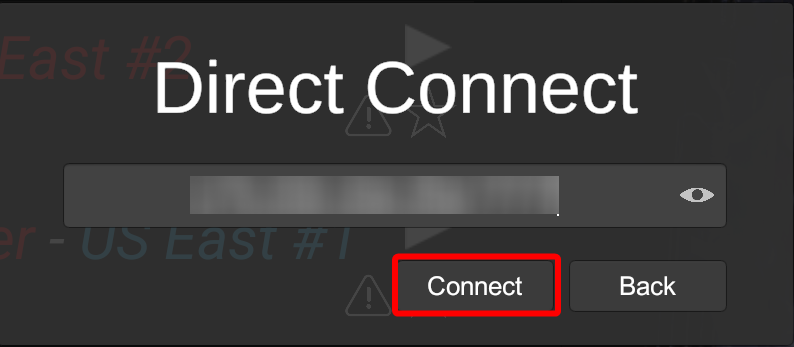
One the server tab, click on Direct Connect.

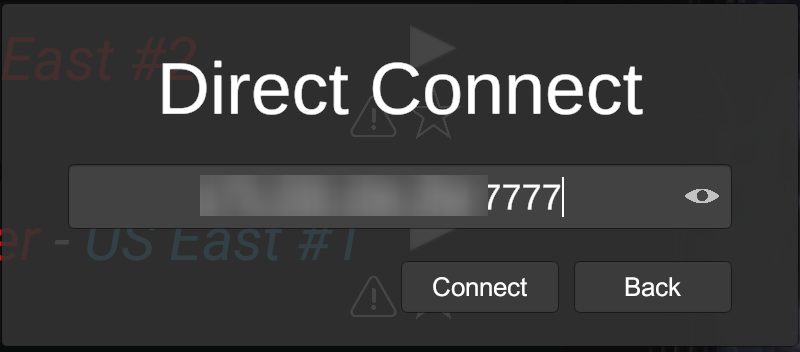
Enter your IP:Port and then click Connect to start joining your server.
Troubleshooting Tips
Ensure your server is running and displays 'Online' in green on the panel.
Conclusion
You have now joined your SCP Secret Laboratory server.
Need Help?
If you have questions or run into any issues, our support team is here to help! Reach out using the support widget on our website or visit our support center for further assistance.