


How to Change the Day Length on an Enshrouded Server

Longer days give your group more daylight for exploring and building. You can adjust daytime and nighttime separately in your Nodecraft settings, so adding a little sunshine does not mean stretching out the night, too.
Change the Day Length
Navigate to your Nodecraft dashboard.
Locate your Enshrouded server and click Manage.
Stop the server.
Click Game Settings in the menu on the left.
Select the Miscellaneous tab.
If your server is not already using Custom difficulty, click Change Difficulty to Custom.
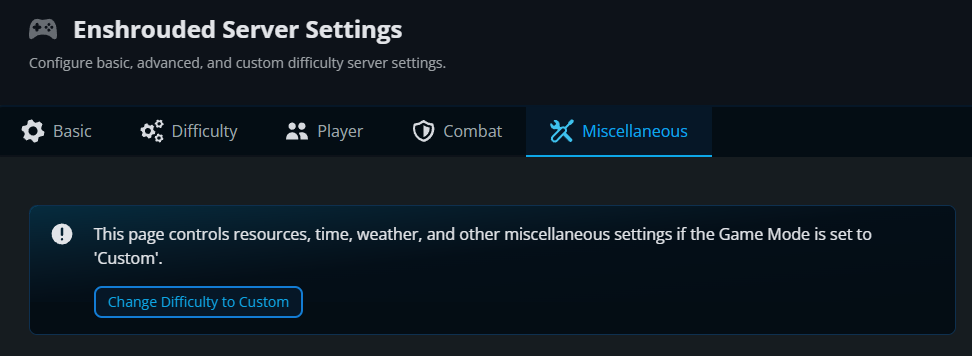
Find the daytime duration setting in the time settings on this tab.
Set the daytime duration you want, using the units shown beside the control. You can also adjust nighttime here.
Click Submit to save the changes.
Start the server again and join to check the new day and night cycle.
Day and Night Durations
Daytime defaults to 30 minutes and nighttime to 12 minutes. Each can be set from 2 to 60 minutes. A longer daytime value gives you more daylight; it does not shorten the night. For example, 45 minutes of day and 12 minutes of night make a 57-minute cycle. These limits are listed in Enshrouded’s server gameplay settings.
Final Thoughts
Try a full day and night cycle with your group before settling on the durations. The best Enshrouded server hosting lets you shape the world around how you play, and Nodecraft puts those adjustments within easy reach.
Need Help?
If you have questions or run into any issues, our support team is here to help! Reach out using the support widget on our website or visit our support center for further assistance.