


How to Change the Crafting Speed on an Enshrouded Server

Waiting for a workstation to finish can put a building project on hold. Enshrouded lets you adjust workstation production time, so your group can spend less time checking queues and more time using what you have made.
Change the Crafting Speed
Navigate to your Nodecraft dashboard.
Locate your Enshrouded server and click Manage.
Stop the server.
Click Game Settings in the menu on the left.
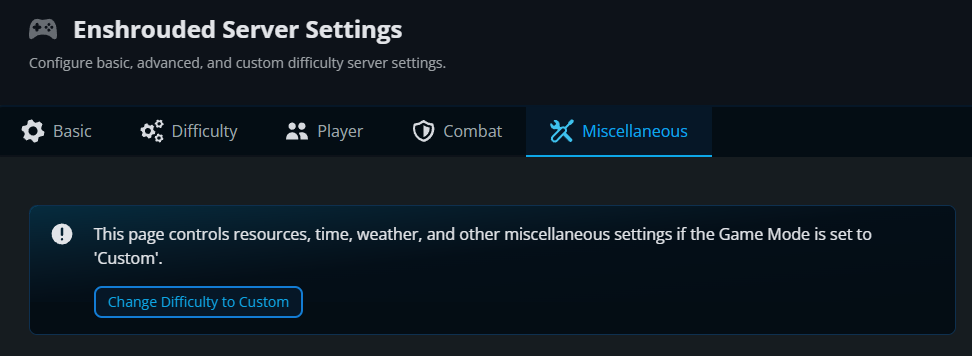
Select the Miscellaneous tab.
If your server is not already using Custom difficulty, click Change Difficulty to Custom.
Under Resources, find Workstation Effectiveness, the setting for workstation production time.
Choose the production-time factor you want. Start with 0.5 to halve the usual wait or use 1 for the default.
Click Submit to save the changes.
Start the server again, join, and begin a new workstation job to check its production time.
How the Crafting Setting Works
Workstation Effectiveness ranges from 0.25 to 2, with 1 as the default. It scales production time: smaller values shorten the wait, while larger values lengthen it. A job that normally takes 60 seconds takes 30 seconds at 0.5. This is the factoryProductionSpeedFactor setting in Enshrouded’s server gameplay settings.
Final Thoughts
A shorter crafting queue can keep a building session moving. The best Enshrouded server hosting makes room for your group’s preferred pace, and Nodecraft lets you adjust it without digging through configuration files.
Need Help?
If you have questions or run into any issues, our support team is here to help! Reach out using the support widget on our website or visit our support center for further assistance.