


How to Change Enemy Settings on an Enshrouded Server

Enshrouded gives you a lot of control over how threatening regular enemies feel, whether you want fewer encounters, harder-hitting enemies, or something closer to a relaxed exploration server. That is handy when “challenging” starts feeling a little too much like being jumped by the entire neighborhood.
Change Enemy Settings
Navigate to your Nodecraft dashboard.
Locate your Enshrouded server and click Manage.
Stop the server.
Click Game Settings in the menu on the left.
Select the Combat tab.
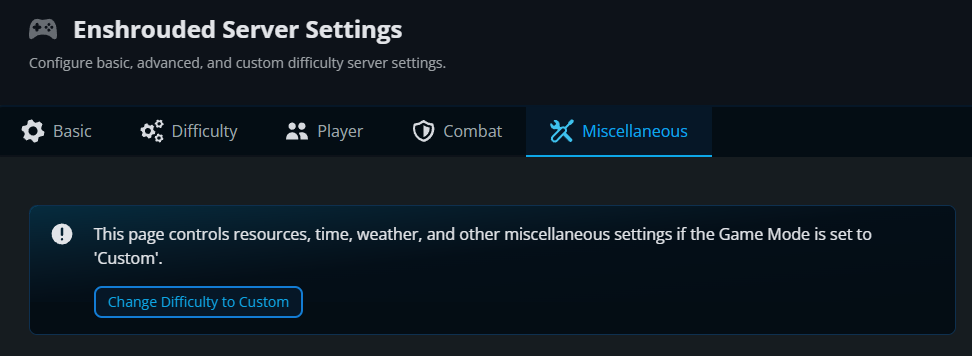
If your server is not already using Custom difficulty, click Change Difficulty to Custom. Individual enemy settings only apply while the server is using Custom difficulty.
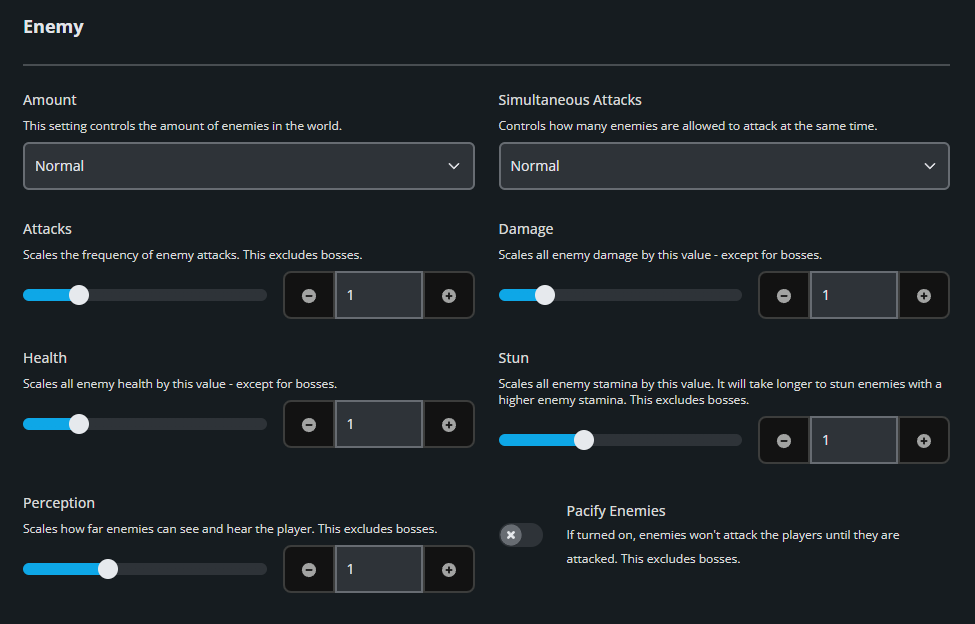
Scroll to the Enemy section.
Adjust the enemy settings to fit how you want your server to play.
Click Submit to save the changes.
Start the server again.
Enemy Settings Explained
Enemy Amount controls how many enemies appear in the world and can be set to Few, Normal, Many, or Extreme. Simultaneous Attacks controls how many enemies can attack at the same time and uses the same four options. These two settings are useful when you want combat to feel busier or calmer without directly changing enemy stats.
Attacks changes how frequently enemies attack and ranges from 0.25 to 4. Damage scales enemy damage from 0.25 to 5, while Health scales enemy health from 0.25 to 4. These three settings exclude bosses, so you can make regular enemies tougher without automatically turning every boss fight into a full-time commitment.
Stun changes enemy stamina and ranges from 0.5 to 2, with higher values making enemies harder to stun. Perception ranges from 0.5 to 2 and changes how far enemies can see and hear players. Pacify Enemies prevents enemies from attacking until a player attacks them first. These settings also exclude bosses.
Boss Damage and Boss Health are controlled separately in the Boss section on the same Combat tab.
Final Thoughts
A few enemy adjustments can make combat feel much closer to what your group wants. That level of control is part of the best Enshrouded server hosting experience, and Nodecraft keeps it in your dashboard instead of making you edit configuration files.
Need Help?
If you have questions or run into any issues, our support team is here to help! Reach out using the support widget on our website or visit our support center for further assistance.