

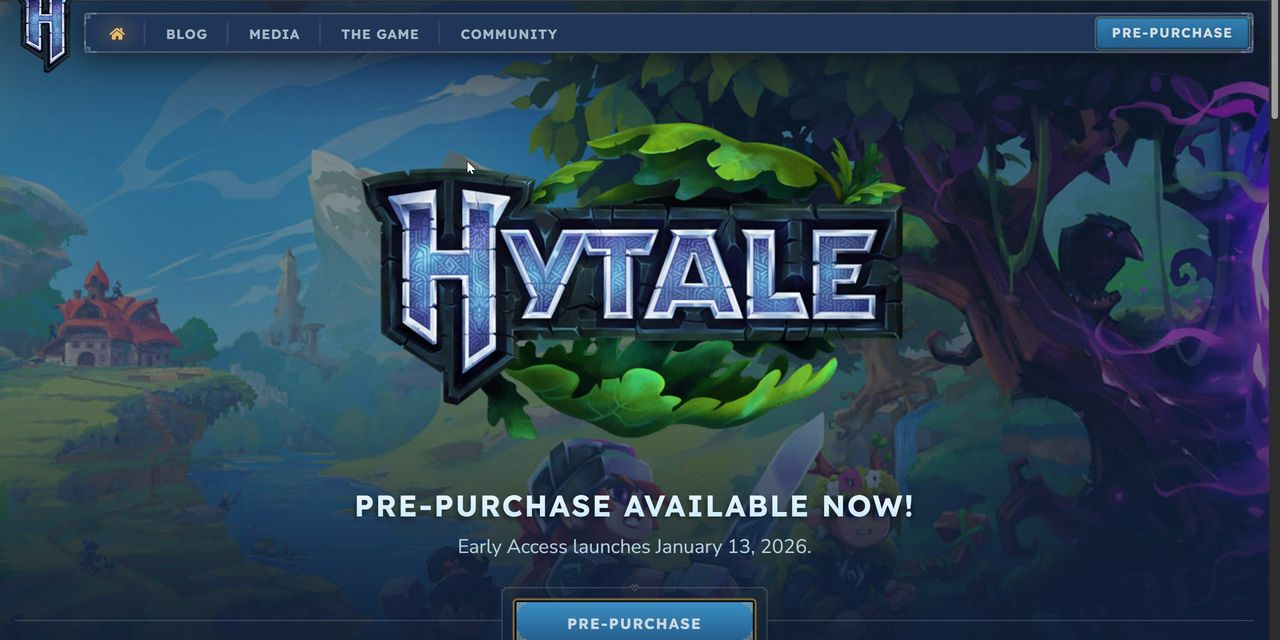
After years of anticipation, early access to Hytale is almost here! Launching January 13, 2026, pre-orders are officially open. Learn more below about how to register your account and preorder Hytale.
How to Register Your Hytale Account
Skip this step if you have already registered an account. Registering your account to prepare for the Early Access launch is simple:
Visit the official Hytale website.
Click Register.
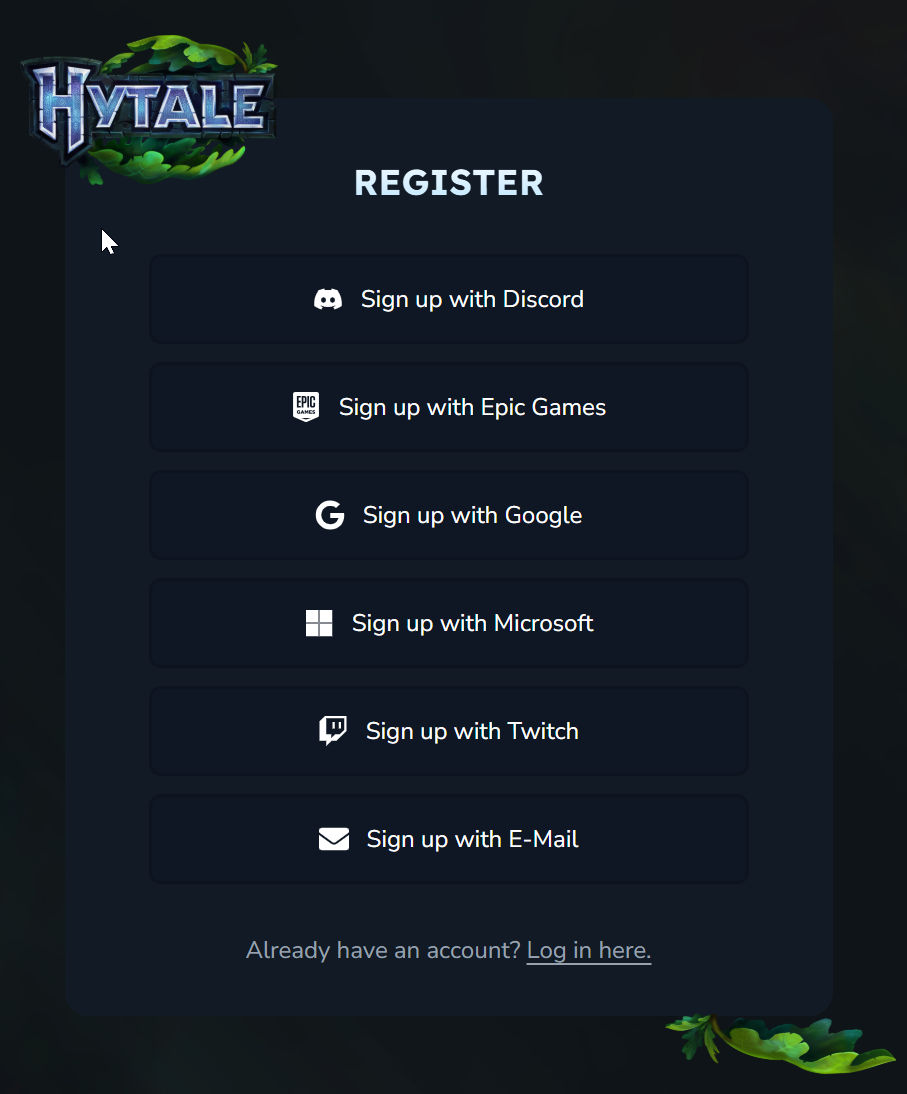
Choose a registration method. Hytale registration signup methods include Discord, Epic Games, Google, Microsoft, Twitch, and email.
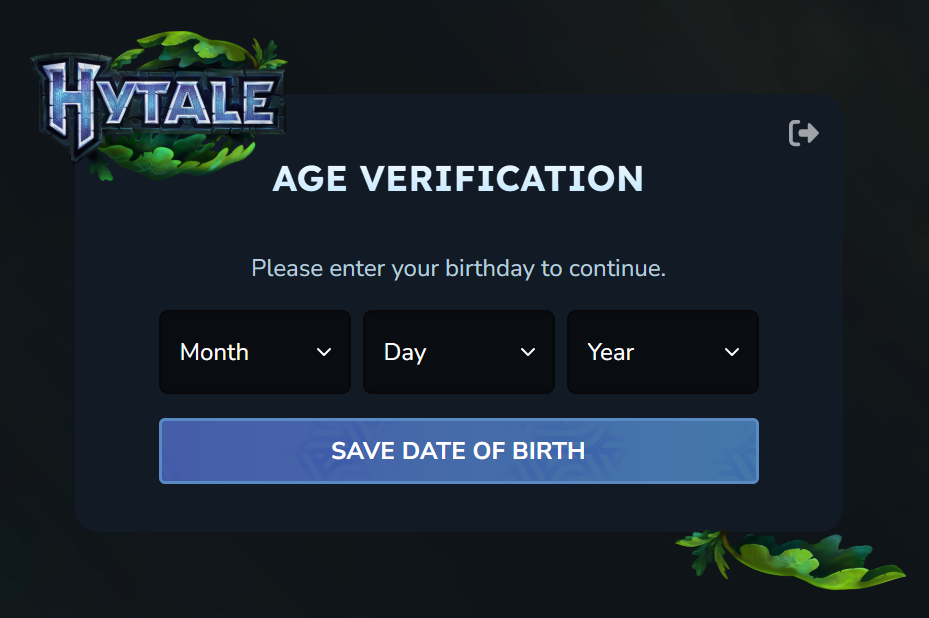
Verify your age, and then click “Save Date of Birth.”
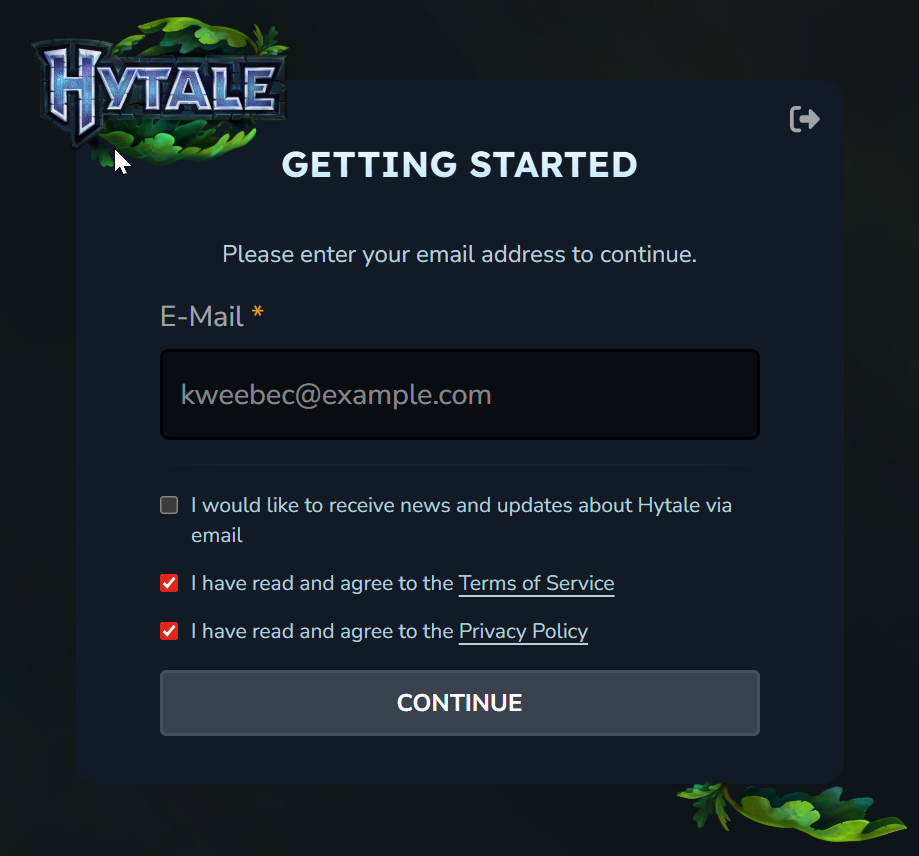
Enter the email address, and then agree to the Terms of Service and Privacy Policy before continuing.
Verify your account by clicking on the link sent to your registered email address.
Log in with your new account details.
How to Preorder Hytale
If you are excited to support the Hytale devs, lock in your reserved username, or just brag to friends, here’s how to pre-order Hytale:
Access the Hytale store page by finding any of the prominent “Pre-Order Now” buttons on the website.
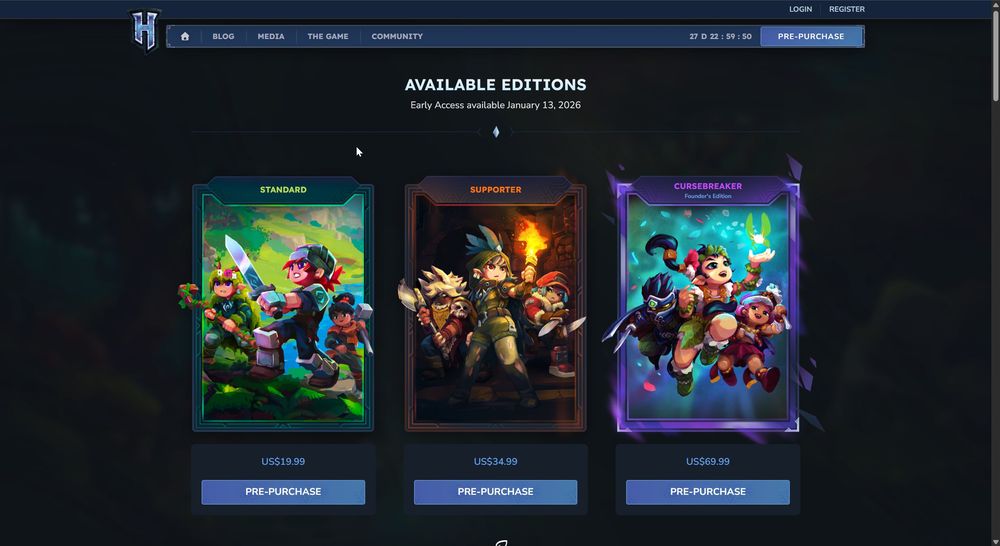
Select your Hytale Early-Access edition: there are three available during Early Access today. They all include early-game access, a username reservation lock, and cosmetic sets. Once you’ve chosen, hit the “Pre-Purchase” button.
Enter your payment details.
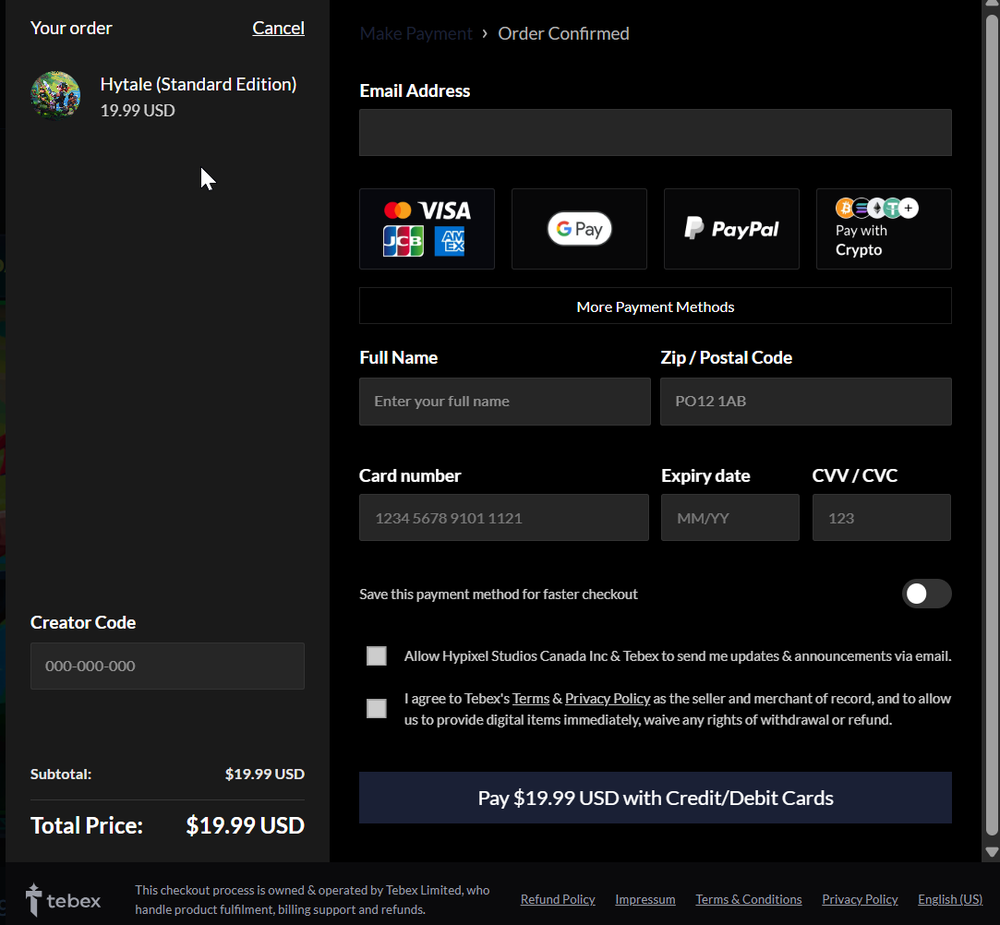
If you have a creator you’d like to support, enter their Hytale Creator Code on this page before you confirm payment.
FAQ
Can I upgrade Hytale editions later? Yes, you can upgrade your Hytale edition by paying the difference.
Will these Hytale game editions be available after Early Access? No, these are Limited Edition and only available for purchase during Early Access. All unlocks from these editions will stay on your account even after the Early Access period is over.
Is there any Hytale pre-purchase bonus? There is no prepurchase bonus.
Next Steps
Now that you’ve pre-ordered Hytale, learn How to Reserve a Hytale Username.
