

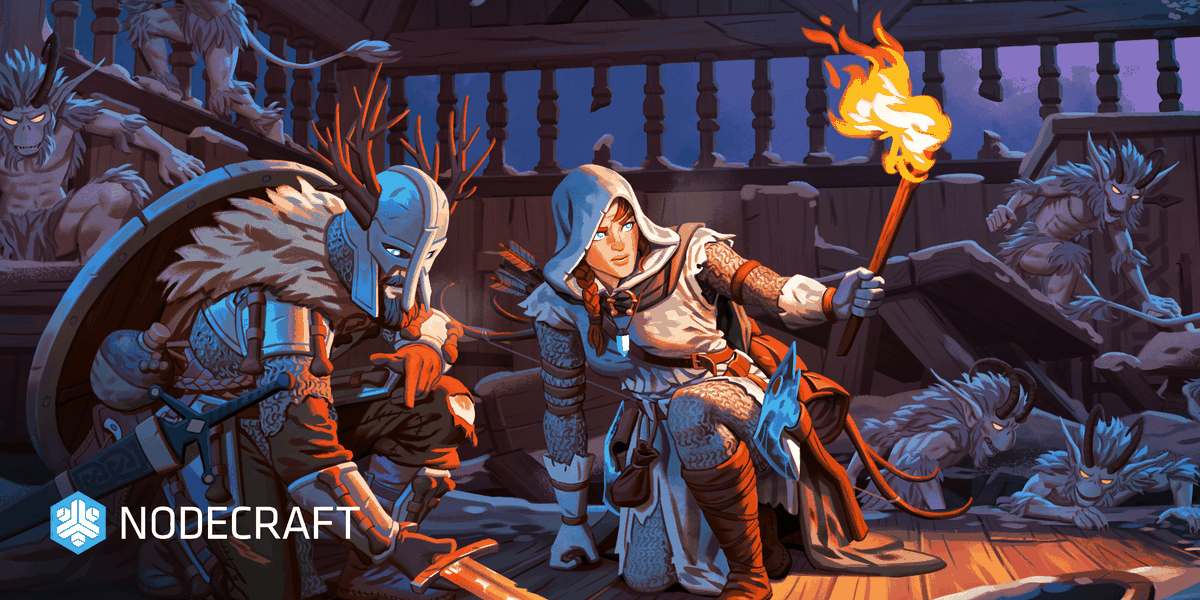
Valheim originally launched into Steam Early Access on February 2, 2021, and as of September 9th, 2026, the game has officially left Early Access! Valheim's launch has changed & defined the survival genre as it welcomes UGC with mods and customizablity. Additionally this update introduces crossplay, meaning polayers across Steam (PC), Linux, PlayStation (PS5), XBOX, Nintendo Switch 2, & Mac can become vikings, build epic worlds, and surive together with their own Valheim Server.
Adding One Click Features for Valheim 1.0 Servers
Nodecraft is now proud to announce that it's added support for many great features to help players explore the world of Valheim for the first time or relaunch a new world. This makes Nodecraft the best quality server hosting provider for players that want deep customization & a stable server.
Install & Update Valheim Mods onto your Server from Thunderstore
All Valheim server owners can now install & update Mods from the Thunderstore with a simple click of a button. Nodecraft's custom control panel automatically installs BepinEx, the mod loader for Valheim servers, for you. As shown in the video above, you can also upload your own mod or simply browse the most popular mods from the Thunderstore platform.
Updating Mods Is a Critical Feature at Nodecraft
We've all been there with our game servers. You finally found the right mix of mods, but something keeps crashing. As plugins get updated to fix problems in your server, it is critical that you can update Valhiem server mods with one click of a button. No file manager, no stress, just pure gameplay. And if your mod requires another mod to work correctly, Nodecraft will automatically install it for you.
Manage Players with Crossplay
Setting up an Allowlist, Admins, or Bans has undergone a major breaking change with this update. Nodecraft solves this with built in controls to help you manage the players by ID for each platform. Take a look below.
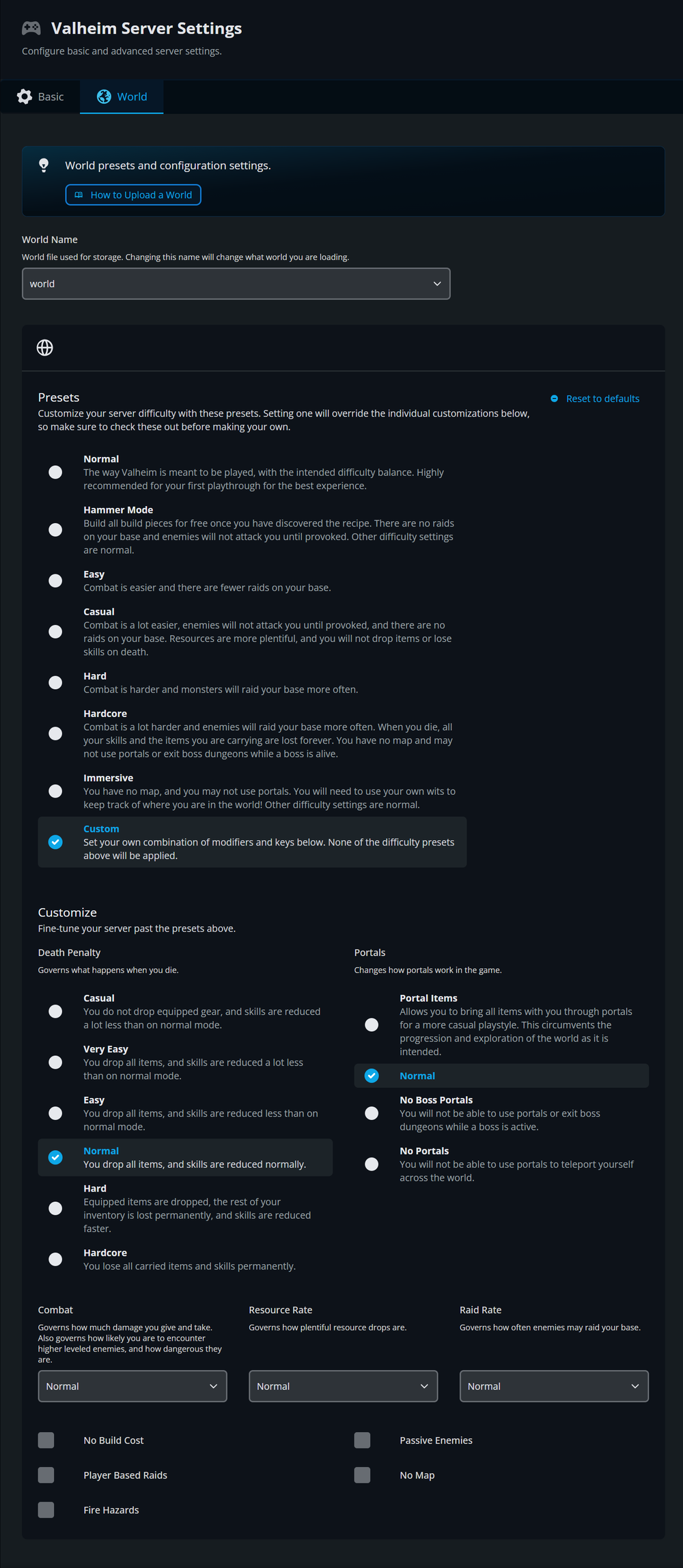
Customize Your World Settings to Make it Yours
Another great feature from Nodecraft's update for Valheim 1.0 includes full world customization. This lets you set presets or customize everything about the world you create in your server. Thanks to Nodecraft's custom control panel it's just a couple clicks and you can change everything about the world generation, no CLI arguements required.
Get Help With Your Valheim Server Today!
Nodecraft has supported Valheim servers since its launch. This means custom control panel features, custom event monitoring, & so much more to make setup easier than ever. That also means building a full suite of knowledgebase articles to help players setup and manage the server. We've updated our entire library of Valheim articles so you can self-serve help. We also provide live-chat so you can immediately get help.
+ Dozens of other Articles on the Nodecraft Valheim KB
Conclusion: End to End Integrations Built for Creators, Ready for Launch
A lot of work goes into a multiplayer game launch. Nodecraft supports game studios of all sizes so that players have the power to build their own worlds. It doesn't matter if you're a small group of gamers, a niche Discord server, or a large content creator: game servers are better at Nodecraft.
Are you a studio preparing for launch? We partner directly with developers to ensure day-one support, robust documentation, and seamless player experiences. Reach out to us at studios@nodecraft.com to discuss how we can support your next release.
